Best Virtual Job Fair Software in 2026: A Buyer's Guide
A practical buyer's guide to evaluating virtual job fair software in 2026 — the 7 criteria that matter, comparison frameworks, and what to look for by use case.
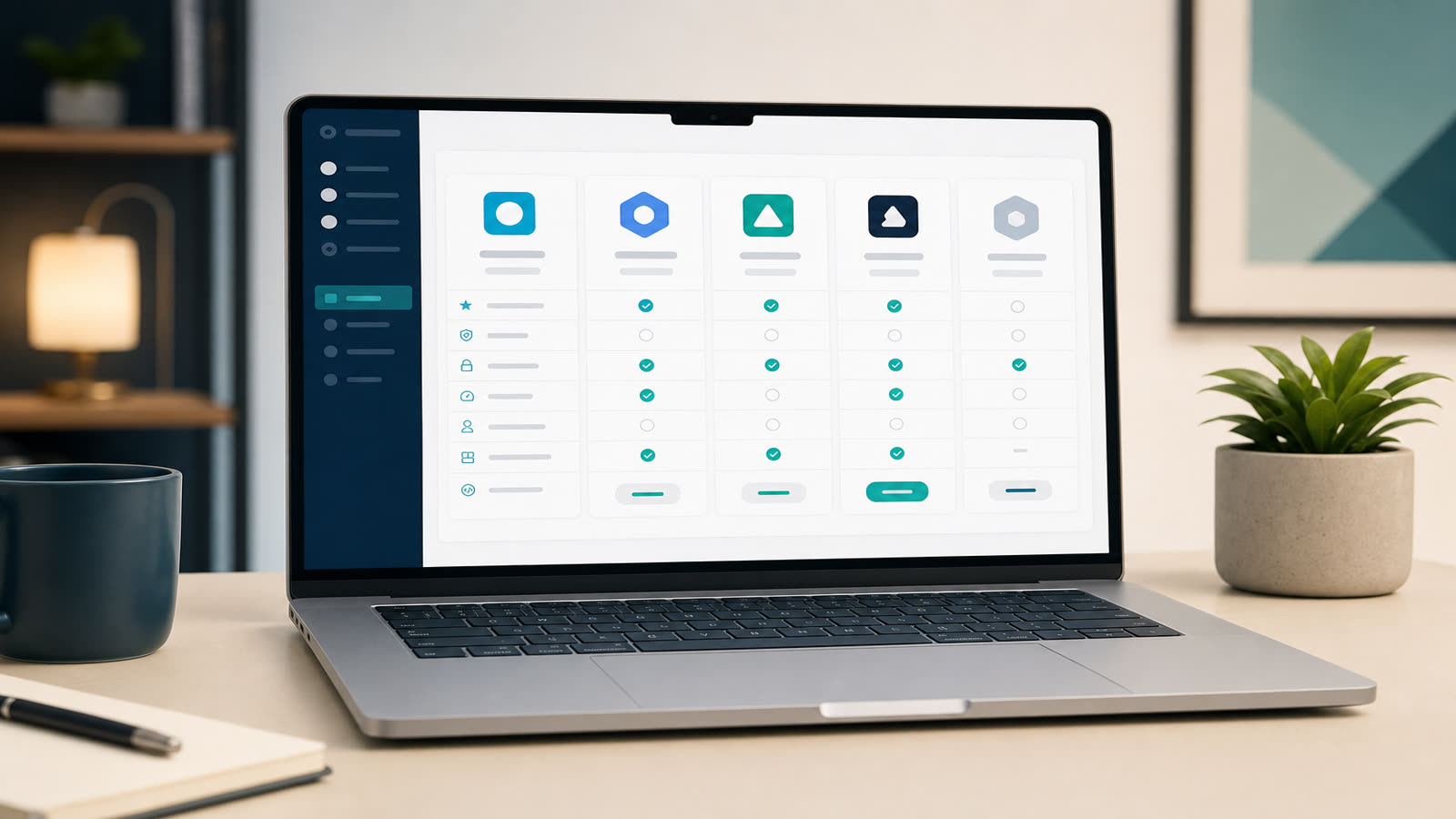
Why this market consolidated in 2026
Five years ago the virtual career fair market was crowded with experimental vendors. In 2026 it has consolidated around a small group of platforms that actually deliver: browser-based, mobile-first, with real live video chat and analytics that finance teams trust. If you are evaluating virtual job fair software this year, the bar is higher and the differences between vendors are narrower — but they matter.
This buyer's guide walks through the seven evaluation criteria that consistently separate platforms that work from platforms that look good in a sales deck.
The 7 criteria that matter
1. Browser-based with zero downloads
Any platform that still asks candidates to download an app or install software in 2026 is a no-go. Drop-off on download steps regularly exceeds 40%. The best virtual career fair platforms run entirely in modern browsers — Chrome, Safari, Edge, Firefox — on desktop and mobile, with no plug-ins.
2. Native live video chat (not redirects to Zoom)
If the "video chat" feature opens a Zoom or Teams meeting in a new tab, it is not native. Watch for: WebRTC-based 1:1 video, group video rooms inside the booth, and screen sharing without leaving the platform. This is the feature that most affects candidate-recruiter conversion.
3. Branding and white-label flexibility
For universities and workforce boards, branding is the difference between an event that feels owned and one that looks rented. Look for custom domains, full color/typography control on the candidate UI, and per-employer booth theming. White-label down to the URL is the gold standard.
4. Analytics that match recruiter language
"Total visits" is not analytics. The metrics that earn renewal: cost per hire, cost per chat, booth dwell time, candidate-recruiter conversation count, lead quality by source. If exporting these takes a support ticket, the platform is not built for serious recruiters.
5. Unlimited booths and pricing transparency
Some vendors cap booths or charge per exhibitor. For organizers running events with 200+ employers, that model breaks fast. Prefer flat-rate event pricing with unlimited booths, or transparent per-employer tiers published online — not "contact sales for pricing."
6. Integrations with your stack
The platform needs to push data to where your team already works: ATS (Greenhouse, Lever, Workday), CRM (HubSpot, Salesforce), marketing automation (Brevo, Mailchimp), HRIS. APIs and webhooks should be documented, not promised in a roadmap.
7. Support that operates in event-time
A virtual fair runs for 6-8 hours. If your support team is asleep when the fair is live, you have no support. Verify business hours coverage in your timezone, and ask for an event-day SLA in writing.
Comparison framework
| Feature | Enterprise tier | Mid-market tier | SMB / single event |
|---|---|---|---|
| Browser-based, no install | Required | Required | Required |
| Native live video chat | Group + 1:1 | 1:1 + queue | 1:1 only |
| White-label domain | Yes | Sometimes | Rare |
| Unlimited booths | Yes | Often | Capped |
| API + webhooks | Yes | Limited | Rare |
| Typical price (per event) | $8k–$25k | $3k–$8k | $500–$2,500 |
Best for universities
University career centers need branded landing pages per fair, alumni-engagement features, and the ability to run multiple fairs per year on the same contract. Prioritize white-label, multi-fair pricing, and an export path to your existing CRM. Career services teams running 4+ fairs/year typically save 60% versus per-event vendors.
Best for employers and workforce boards
For employers, the priority is recruiter ergonomics: how fast can a recruiter pick up a chat, qualify a candidate, and push the resume to the ATS? For workforce boards (WIOA, ARPA-funded programs), reporting and accessibility (Section 508, WCAG 2.1) are non-negotiable. Ask for the VPAT before signing.
Common pitfalls when choosing
- Demo-only judgments. Demos are scripted. Ask for a sandbox account or a recorded fair walkthrough with real candidate traffic.
- "All-in-one" suites that don't integrate. A platform that does everything badly is worse than one that does video + booths well and integrates with your ATS.
- Pricing creep. Verify what counts as a "booth," whether webinars cost extra, and whether private chat history is included or per-event add-on.
- "AI matchmaking" without configuration. Black-box matching tends to underperform skill-tag filters that recruiters can actually tune.
FAQ
What is the best virtual job fair software in 2026?
There is no single best — the right platform depends on your event format (single-day vs always-on), audience size, branding requirements and integration stack. The 7 criteria above are the consistent predictors of long-term success across our 20,000+ employers and 150+ universities user base.
How much does virtual job fair software cost?
Pricing ranges from ~$500 for a single SMB event to $25,000+ for enterprise multi-fair contracts. Mid-market organizers typically pay $3,000–$8,000 per event. Per-event pricing breaks even against in-person fairs after the first 2 events.
Can a virtual career fair platform replace an in-person fair?
For early-funnel sourcing, yes — virtual reaches a wider candidate pool with lower drop-off. For final-stage hiring rounds, in-person still has an edge for senior roles. Most organizations now run a hybrid calendar: 4–6 virtual events for breadth, 1–2 in-person for depth.
Is virtual job fair software ADA-compliant?
It should be. Look for explicit WCAG 2.1 AA and Section 508 conformance, a published VPAT, and keyboard-navigable booth pages. EasyVirtualFair publishes its VPAT and supports screen readers across all booth types.